Copy on paste on
Clippy keeps one clipboard across your Mac, Android phone and Windows PC. You pair devices with a QR code, there is no account, and the server only ever sees ciphertext.
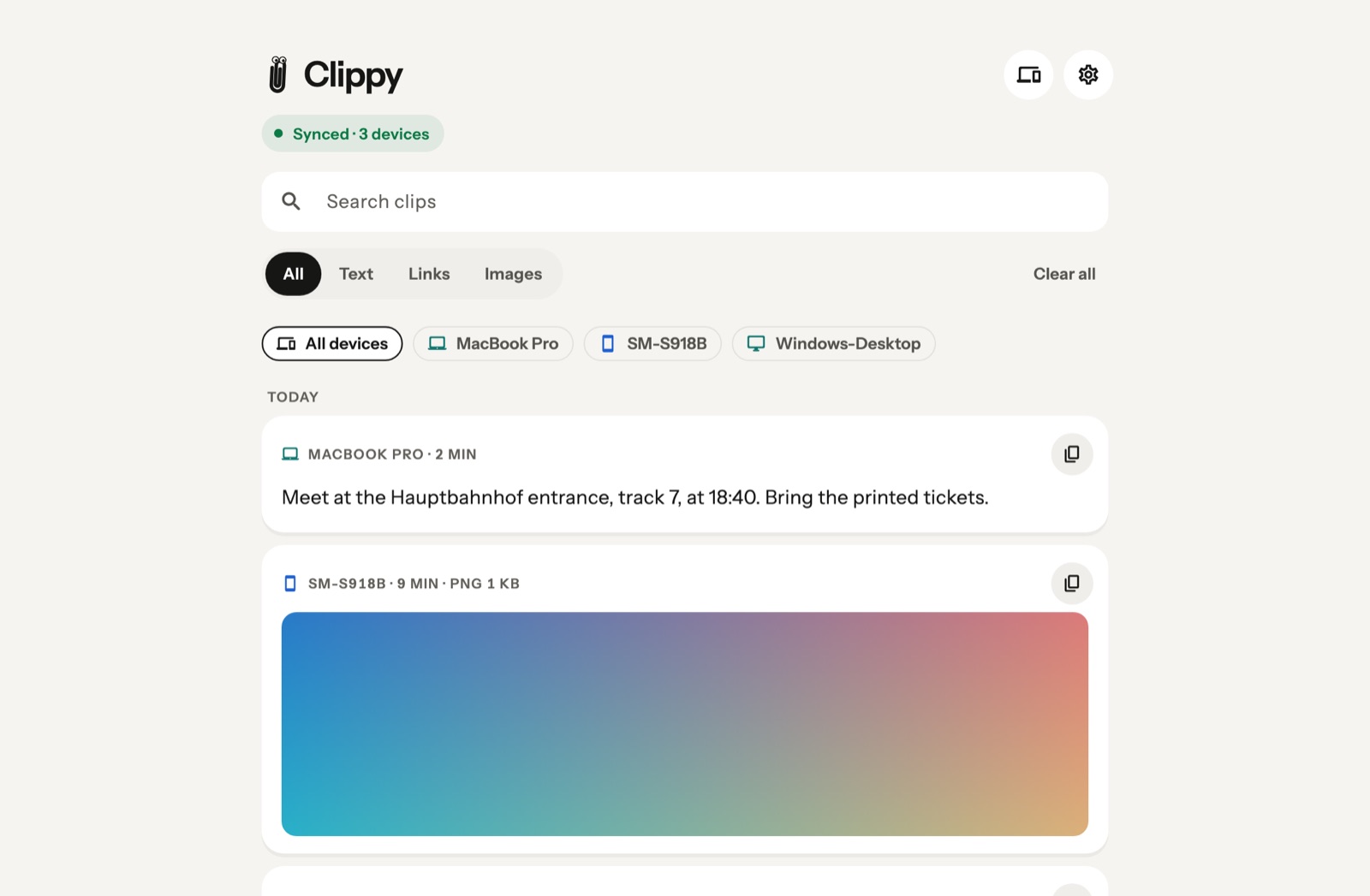
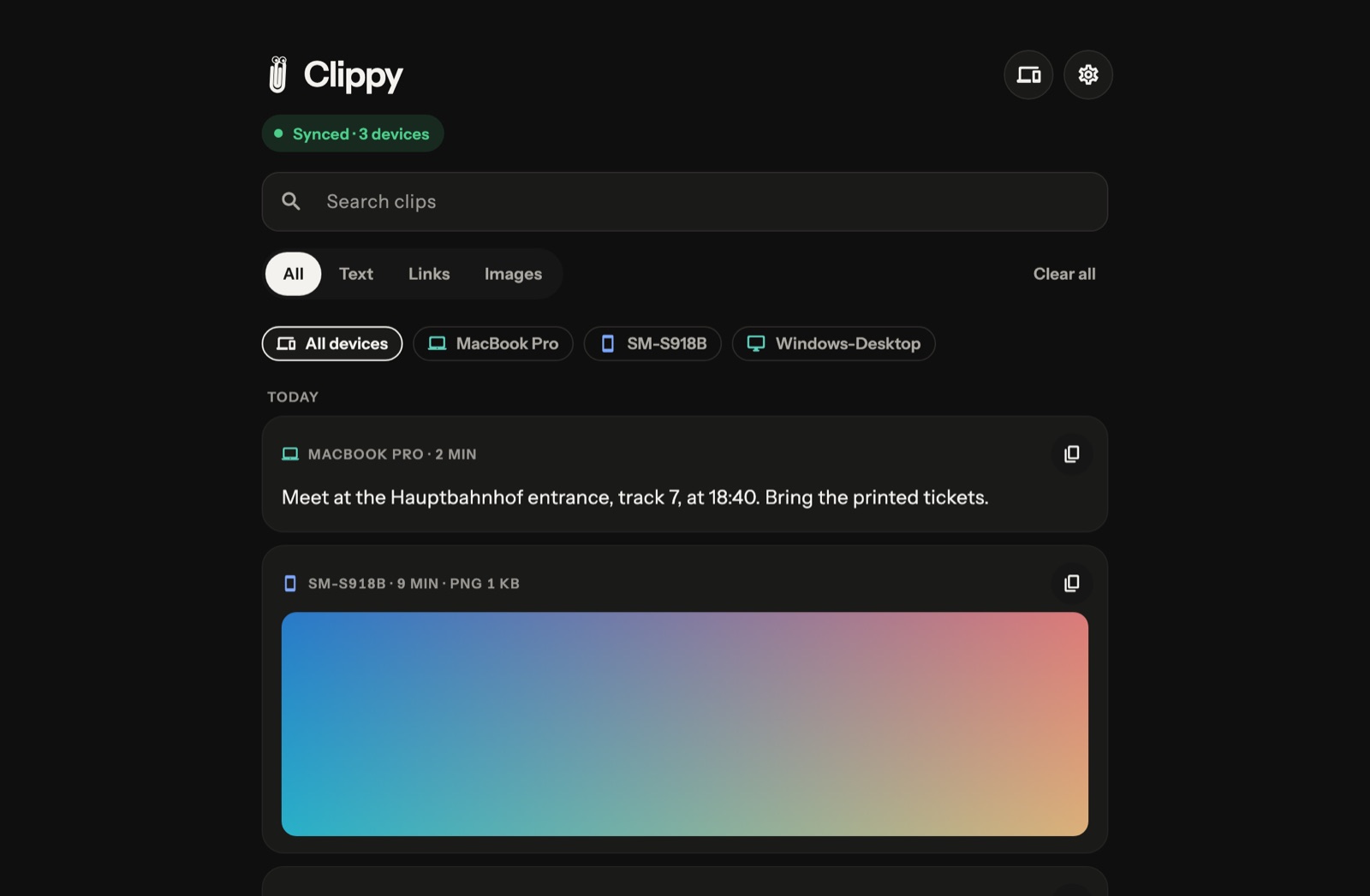
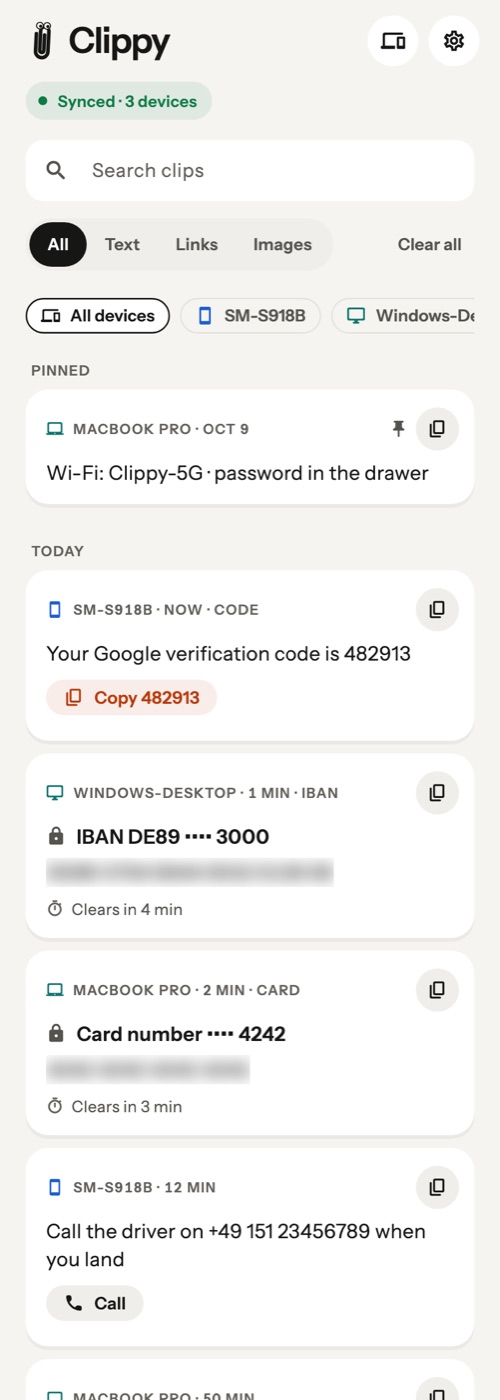
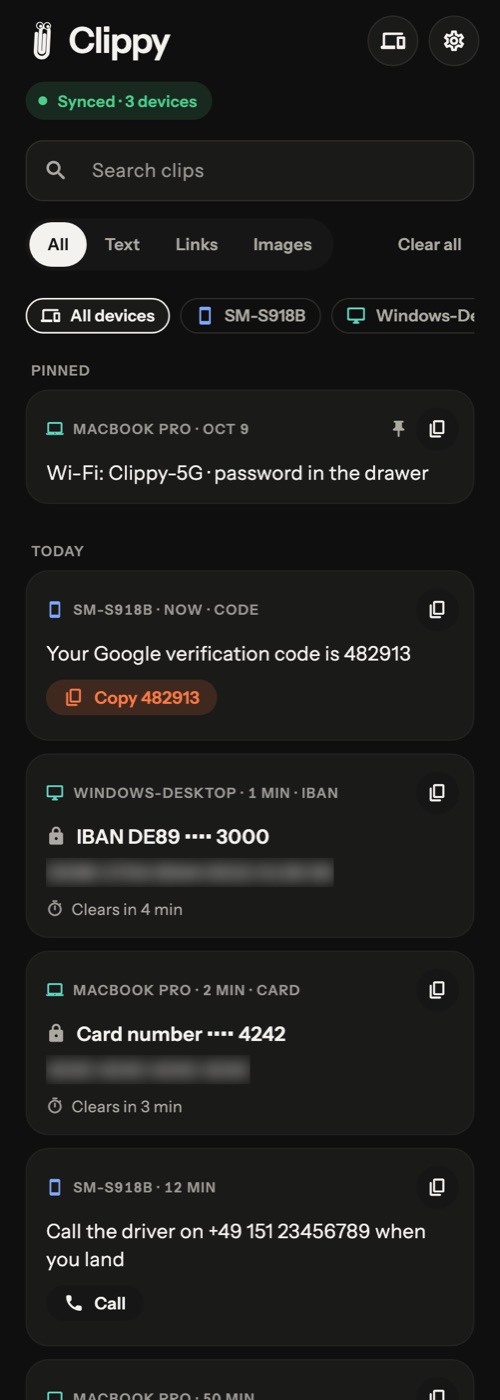
One clipboard on every device you own. Private, searchable, and set up in a minute.
Scan once, and they stay paired.
Show a QR code on one device and scan it with the other. That's the whole setup. No account, no email, no password to forget.
- Install Clippy on two devices.
- Tap Add device and scan the code.
- Copy on either one. It shows up on the other in about a second.
The relay only sees ciphertext.
Every clip is sealed with AES-256-GCM on the device that copied it. The key travels inside the QR code, never through the server, so the relay can deliver your clips but cannot read them.
- Encrypted before it leaves your device.
- The key is shared only by scanning, in person.
- Decrypted only on your own devices.
Type above. Your browser encrypts it with AES-256-GCM and a throwaway key, then decrypts it again. Nothing is sent.
It knows a code from a card number.
Clippy reads each clip on the device and offers the obvious next step. Nothing is sent anywhere to do it.
- Verification codes get a Copy 482913 button.
- Card numbers and IBANs are hidden and wiped after 5 minutes.
- Search finds "hauptbanhof" even when you typed it wrong.
The small things that make it worth keeping.
Search that forgives typos
Results are ranked, and a misspelling still finds the clip. Type a kind of clip, like "code" or "link", to filter by what it is. Try it on these sample clips.
Codes in one tap
A verification code gets its own copy button, so you never select six digits by hand.
Card numbers clear themselves
Clippy hides card numbers and IBANs, then removes them from every device after 5 minutes.
Find a screenshot by what it says
Images and screenshots sync in their original format. Text recognition runs on your device, so search matches the words inside a picture. On Mac and Android it also matches what the picture shows.
Pin what matters
Pinned clips stay at the top and never drop off the history.
Filter by device
One tap shows only what came from your phone, or only from the PC.
Act on a clip
Call a number, open a link, email an address or map a street, straight from the clip.
Android quick tile
Send what you just copied from the notification shade, even from apps that block clipboard access.
Updates itself
A card tells you when a new version is out. One tap installs it, on every platform.
No account, ever
No sign-up, no email, no tracking inside the app. Your devices are the only login.
Copy here. Paste there.
Install it on two devices and scan the code. Takes about a minute.
Why not Universal Clipboard? Why not KDE Connect?
Both are good at what they do. Clippy exists for the mix of devices most people actually have.
| Feature | Clippy | Apple Universal Clipboard | KDE Connect | Emailing it to yourself |
|---|---|---|---|---|
| Android, Mac and Windows together | ✓ Yes | Apple devices only | Yes; macOS build is less mature | ✓ Yes |
| Works when devices are on different networks | ✓ Yes | Devices must be near each other | Same network only | ✓ Yes |
| History and search | ✓ Yes | No, last item only | No | Your inbox, sort of |
| Images | ✓ Yes | ✓ Yes | Text only | As attachments |
| End-to-end encrypted | ✓ AES-256 | ✓ Yes | Encrypted on the local network | Usually not |
| Account needed | None | Apple ID | None | Email account |
| Hides and auto-clears card numbers | ✓ Yes | No | No | No |
Based on each product's public documentation as of October 2026. Something out of date? Open an issue on GitHub.
Things you'll probably ask.
Can the server read my clips?
No. Clips are encrypted with AES-256 on your device before they are sent, and the key only exists on devices you paired by scanning the QR code. The relay stores and forwards ciphertext.
Is there an iPhone or Linux version?
Not yet. Clippy runs on macOS 12 or later, Android 7 or later on an ARM phone, and 64-bit Windows 10 or later.
How long are clips kept?
The 25 most recent clips stay in your shared history, plus anything you pin. Delete a clip on one device and it disappears from all of them. Card numbers and IBANs clear themselves after 5 minutes.
Why does Android ask for accessibility access?
Android stops background apps from reading the clipboard. The accessibility service is how Clippy notices a copy while you're in another app. It reads nothing else. Without it you can still send clips with the quick tile.
Why is the Android app an APK and not on Google Play?
Clippy is a free side project and ships directly from this site. The APK is signed with one permanent key, and the app updates itself in place when a new version is out.
Does it cost anything?
No. It's free and MIT licensed, and the source is on GitHub.
Something else? Ask on GitHub, or download Clippy.